
To screen record on a Chromebook, press Shift + Ct...
November 10, 2026

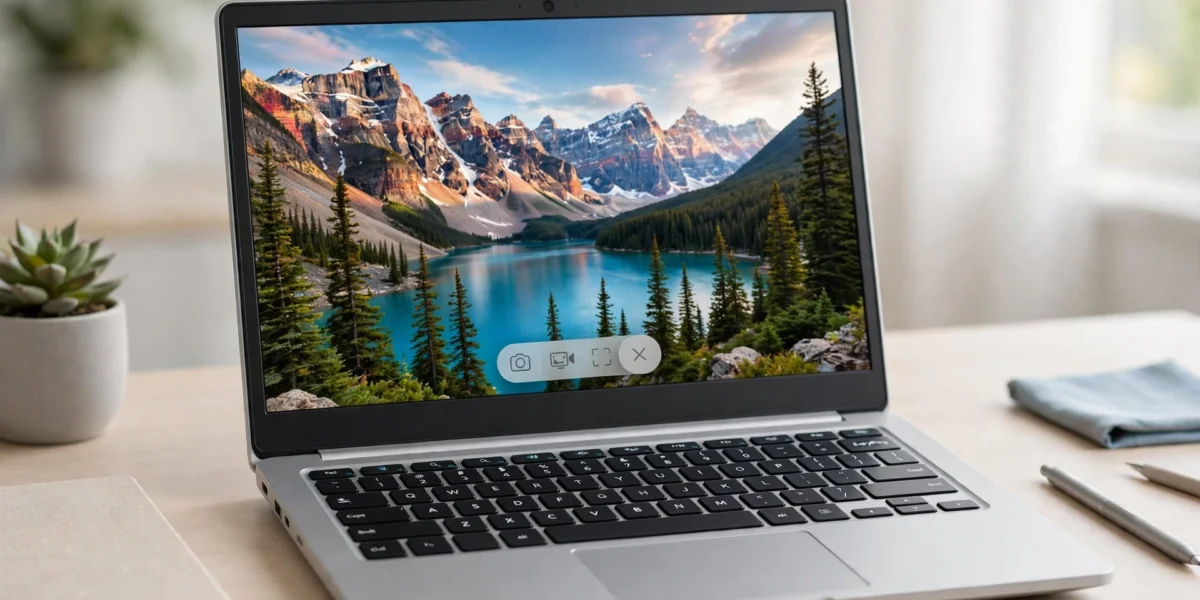

To screen record on a Chromebook, press Shift + Ctrl + Show Windows, click the video camera icon to switch from screenshot mode to Screen record, choose full screen, a partial area, or a single window...

To take a screenshot on a Chromebook, press Ctrl + Show Windows for a full-screen capture, or press Ctrl + Shift + Show Windows to open the Screen Capture tool and choose a full screen, partial area, ...
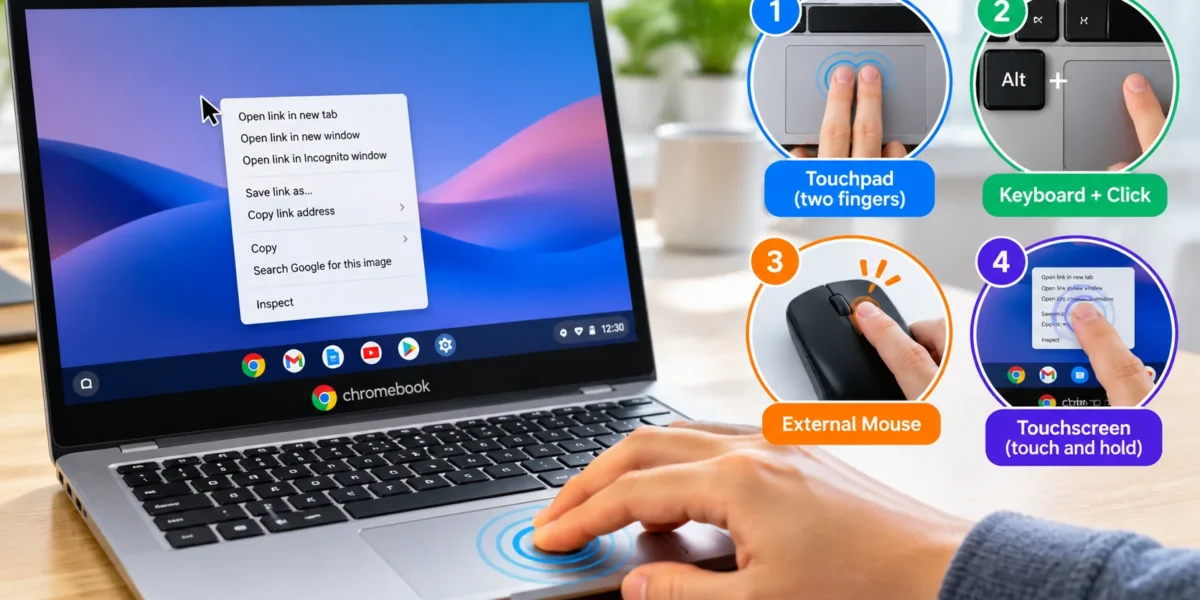
Use the touchpad, a keyboard-assisted click, an external mouse, or a touchscreen to open the right-click menu in ChromeOS. To right-click on a Chromebook, press or tap the touchpad with two fingers at...

Press Search + V or Launcher + V to open the clipboard on a Chromebook. Click where you want to paste first, then use the shortcut to choose from your recent copied items. Use the arrow keys to select...

To check devices logged into your Google Account, open the device activity page. Confirm that you have selected the correct account, then inspect the entries. Open a device or session to review it and...
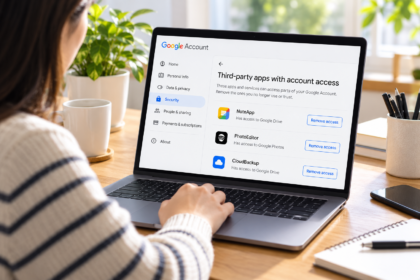
An app you stopped using may still have permission to work with information in your Google Account. To withdraw that permission, visit your account’s connections page, inspect the app’s entry, and use...
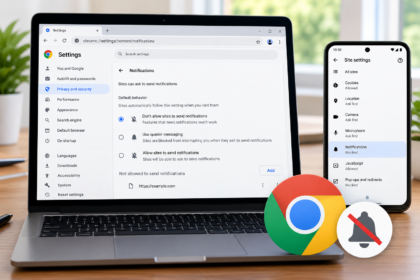
To turn off the website notifications in Chrome on a computer, open Settings → Privacy and security → Site settings → Notifications, then block the unwanted website. To stop future permission requests...
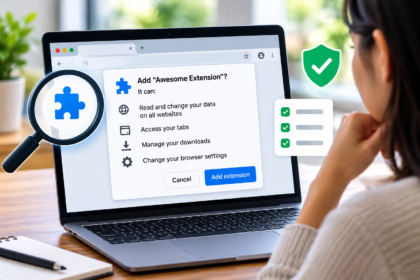
A browser extension can add a useful feature in seconds: block distracting pages, save a recipe, translate text, or change how a website looks. The permission prompt that appears during installation d...

To check if a link is safe, inspect its actual destination, compare the domain with the website you intended to reach, and verify any unexpected request through a separate, trusted route. A reputation...

Online accounts have become an important part of everyday life. People use email, social media, banking services, shopping platforms, cloud storage, work systems, and other digital services regularly....